
Clean up
Microsoft Teams.
Regain control.
Analyze, manage members and files, and archive inactive teams — natively inside Microsoft Teams.
Weniger Chaos: Inaktive Teams, alte Dateien und verwaiste Inhalte auf einen Blick
Weniger Risiko: Stärkere Governance, mehr Compliance, volle Transparenz
Weniger Handarbeit: Profi-Aktionen per Klick – ohne eine Zeile PowerShell
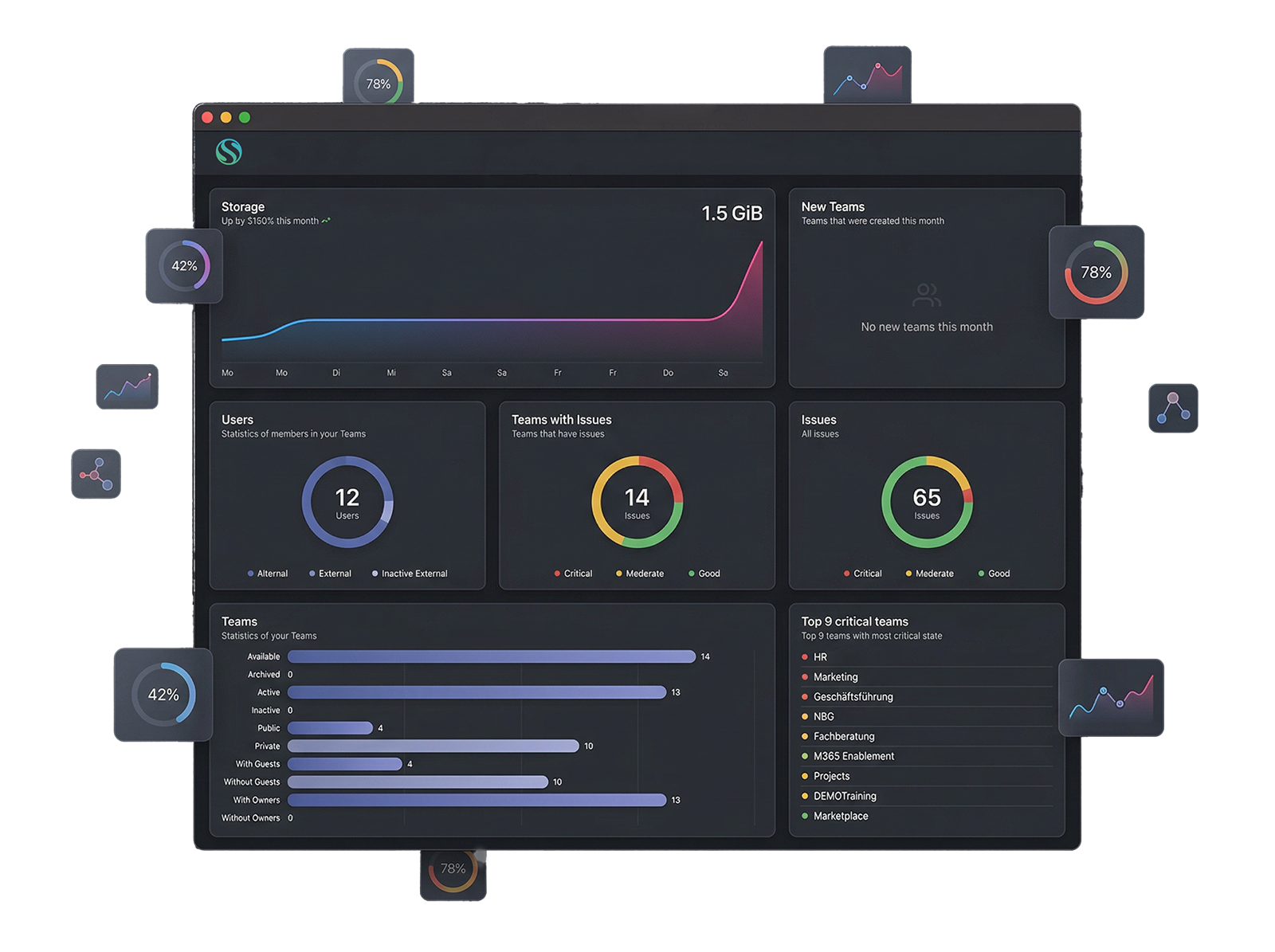
Everything you need to govern Microsoft Teams
Six powerful capabilities. One native Teams app. No extra infrastructure.
Analyze
Instant health overview & trends. See which teams are inactive, growing, or at risk — at a glance.
Member Actions
Add, remove, promote, or demote members at scale — across multiple teams simultaneously.
File Management
Browse, filter, and delete files across all teams. Find stale and orphaned content instantly.
Archival & Restore
Archive files to Azure Blob Storage and restore them anytime — secure, compliant, reversible.
Team Archival
One-click archiving for inactive teams. Clean up your tenant without losing data.
Exports & Alerts
CSV export for reporting and webhook notifications to keep your team informed automatically.
What you can expect:
Real functions. Directly in Microsoft Teams. No external application
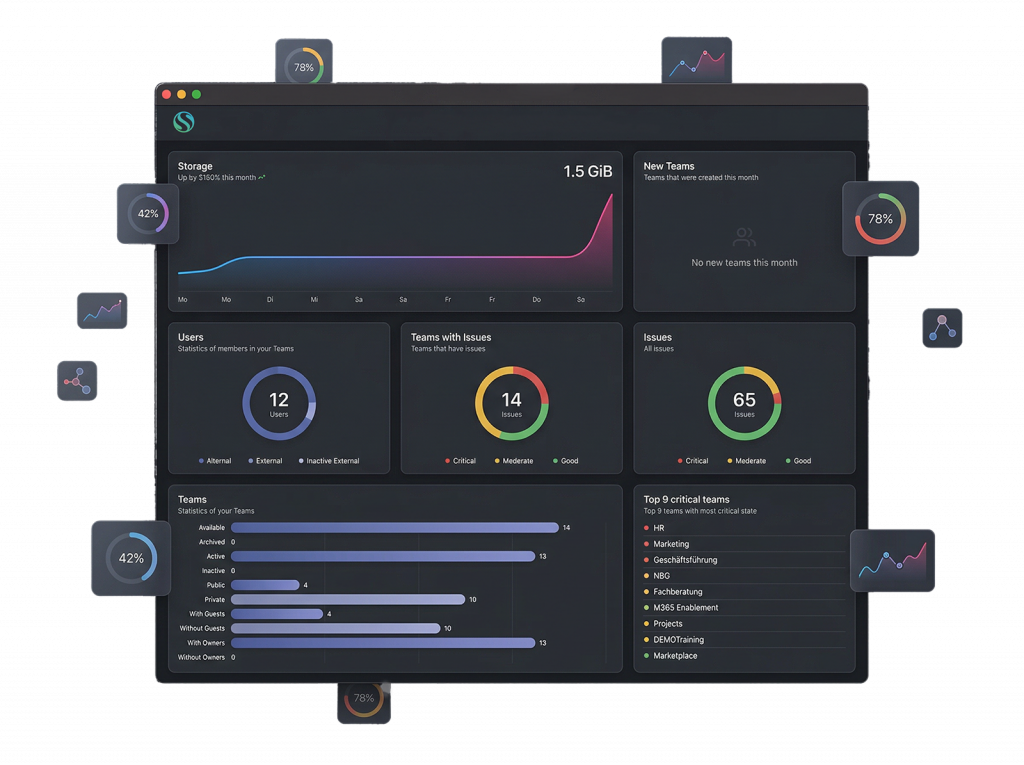
Health overview at a glance
See immediately which teams are active, which have had no activity in months, and which should be archived — without leaving Microsoft Teams.
Activity status of all teams across your tenant
Trend view: growth & decline over time
Exportable as CSV for reporting & audits
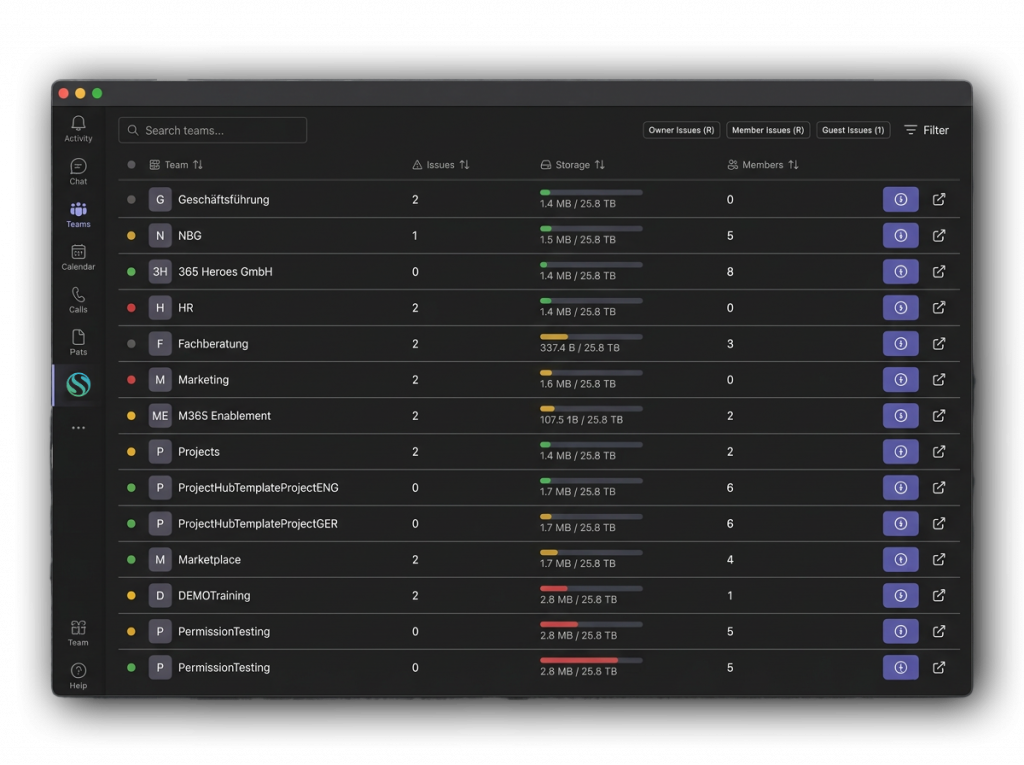
Find & clean up stale files
Search files across all teams filtered by age, size, owner, or last activity. Delete or archive them directly from within the app.
Global file search across your entire tenant
Automatic flagging of stale & orphaned files
Direct archival to Azure Blob Storage
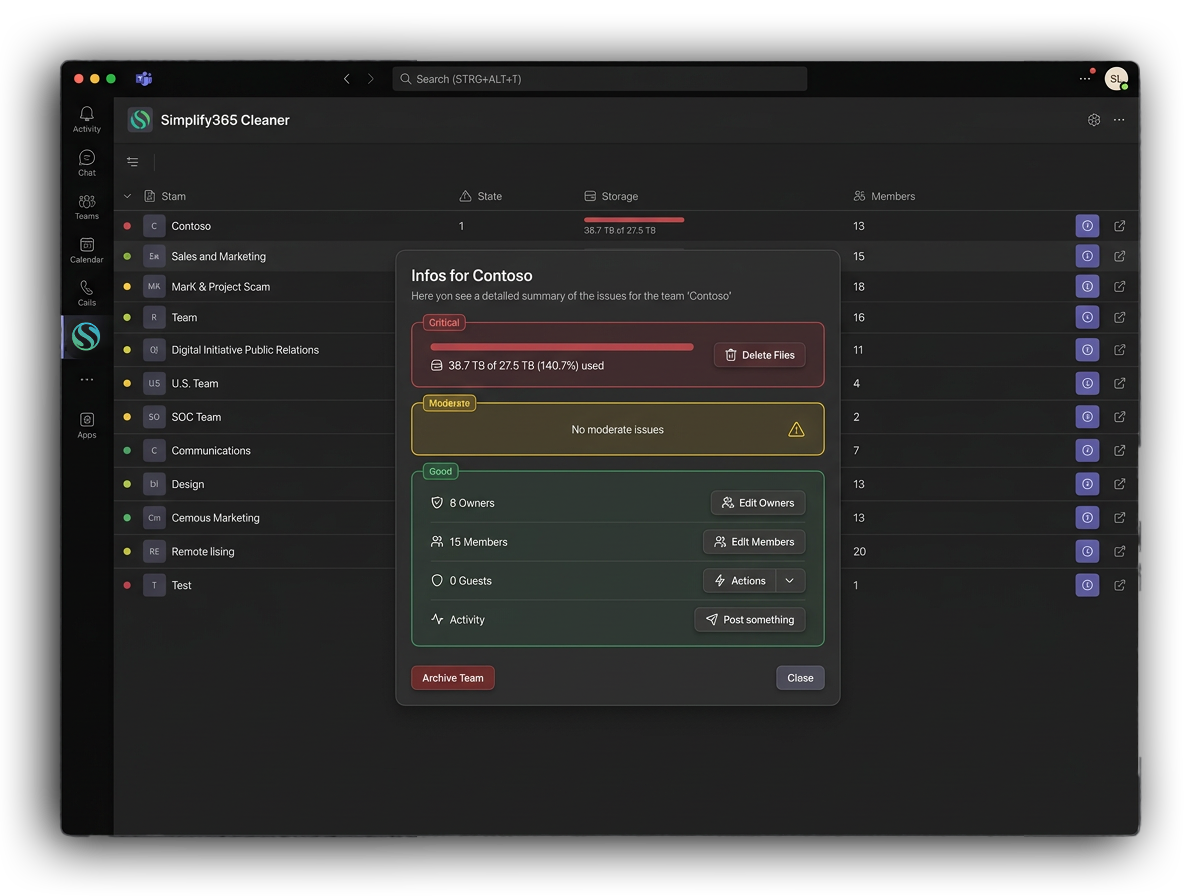
Archive inactive teams safely
One click and inactive teams are cleanly archived. No data loss, full audit trail, no PowerShell required.
Batch archival of multiple teams at once
Restore any team at any time
Automatic webhook notifications on archival
What other's say
No long calls. No pressure. Just a focused walkthrough tailored to your Teams environment.



See it live in 15 minutes.
No long calls. No pressure. Just a focused walkthrough tailored to your Teams environment.
